Back to blog
2 October 2026
Why we show a preview, then lock the rest
Two pages in public. The remaining chapters live in a read-only vault.
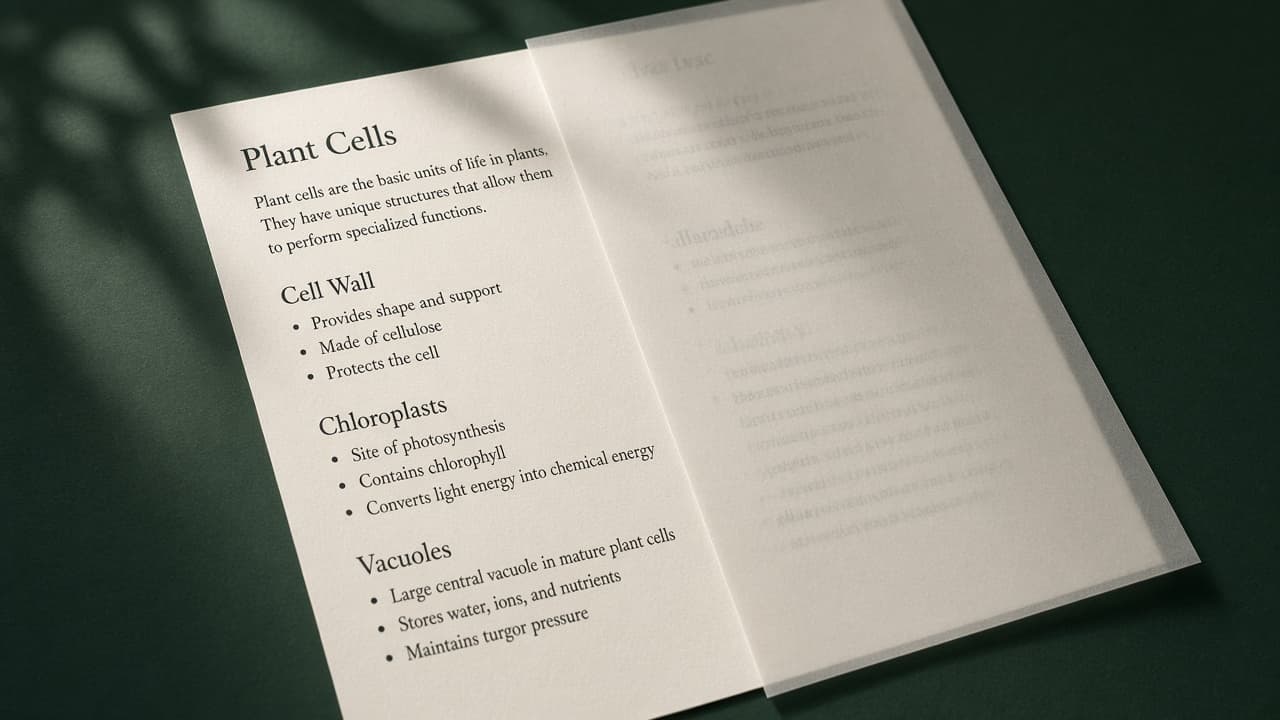
Buying notes without seeing a page is a guess. We publish the first two pages of every pack so a parent or student can check the tone.
After purchase, the full PDF opens only in the logged-in dashboard. There is no download button and no share link. That will not stop a screenshot. It does stop the file from sitting in a class group by default.
Open any pack you own and try the usual save and print shortcuts. They are blocked in the reader.
Put this into practice
Open a pack, read the two free pages, and try the method on a real chapter.